How to Set Up your Outlook Calendar
Linking Insight to your Microsoft 365 Account

Please note that you must enter an app password rather than your personal password if you use multi-factor authentication. See https://docs.microsoft.com/en-us/azure/active-directory/user-help/multi-factor-authentication-end-user-app-passwords for more details, or contact your IT if needed.
- Go to 'File'
- Select ' Your Details'
- Click ’Setup Microsoft 365 Account’
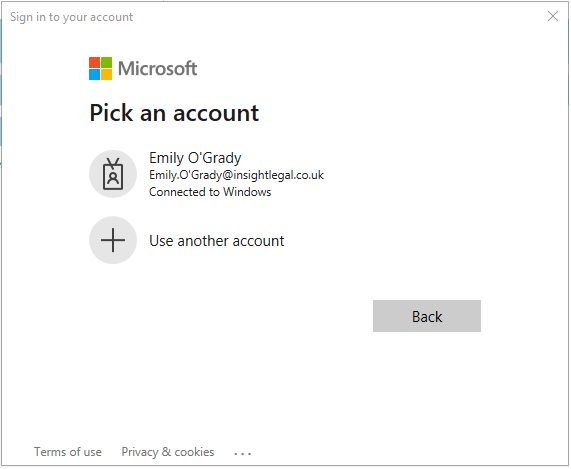
- 'Sign in to your account' window will open automatically. You will now need to sign into your Microsoft 365 account
- Once you have signed in the window will look like this:
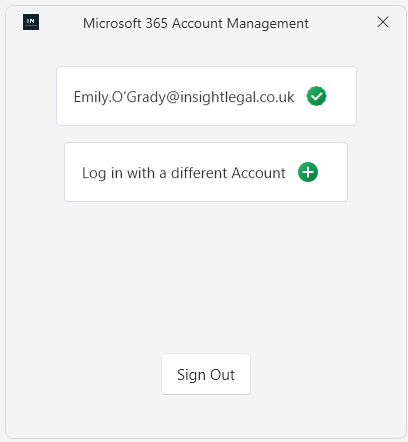
- You have an option to 'Sign Out' which will break the link between Insight & your Microsoft 365 account. If you sign out your account will no longer be listed on the setup screen and you will no longer be able to use the appointments feature
- 'Log in with a different account' will replace your existing account. You can only have one account listed on the setup screen